Build apps by talking · no coding
You have an idea.
Caddie builds the app.
Tell Caddie what you want to make, in your own words. It plans it with you, builds it, checks that it really works, and gives you a link to share. You don't need to know how to code.
Invite-only during the hackathon. Judges: the access code is in the Devpost testing instructions.
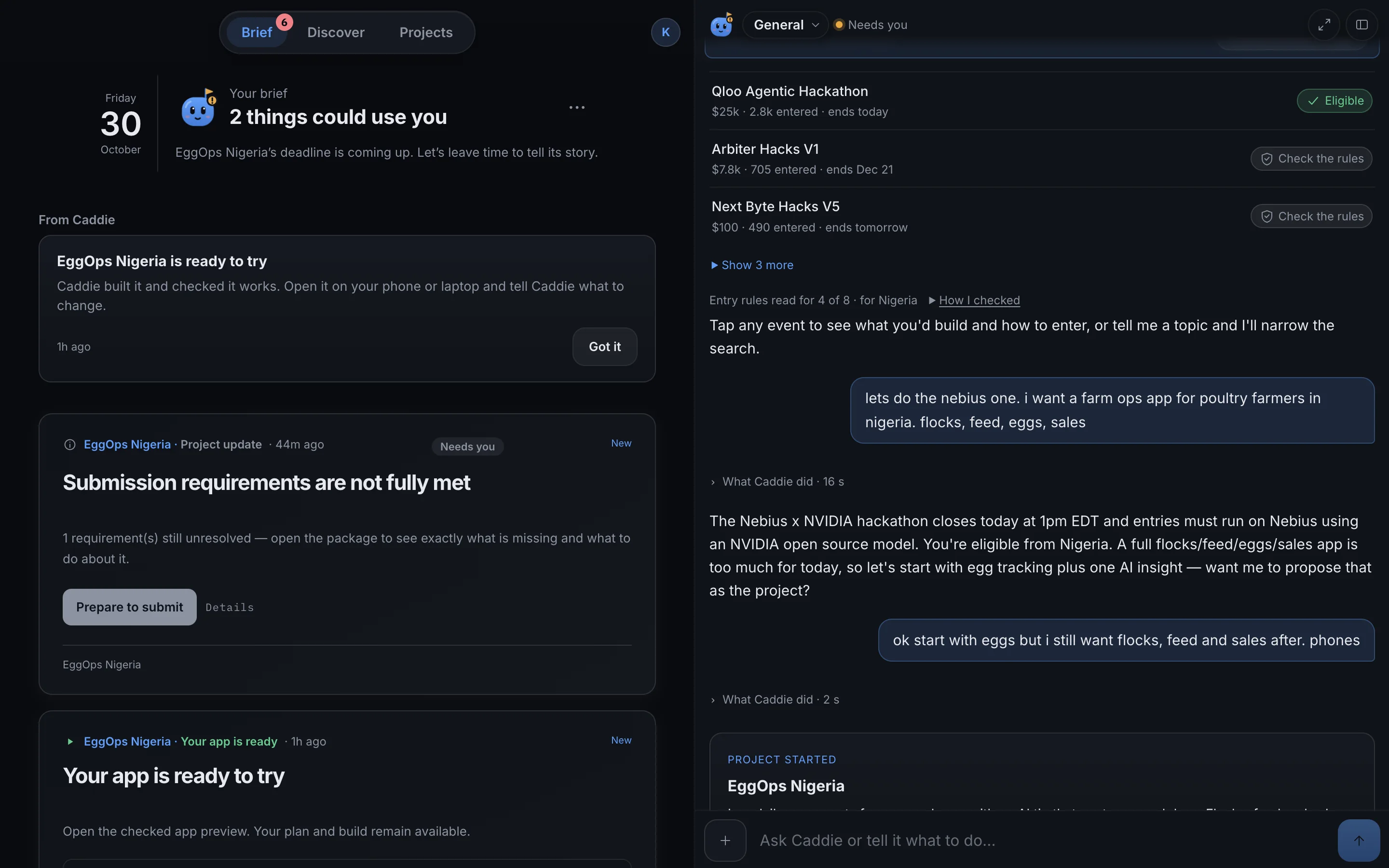
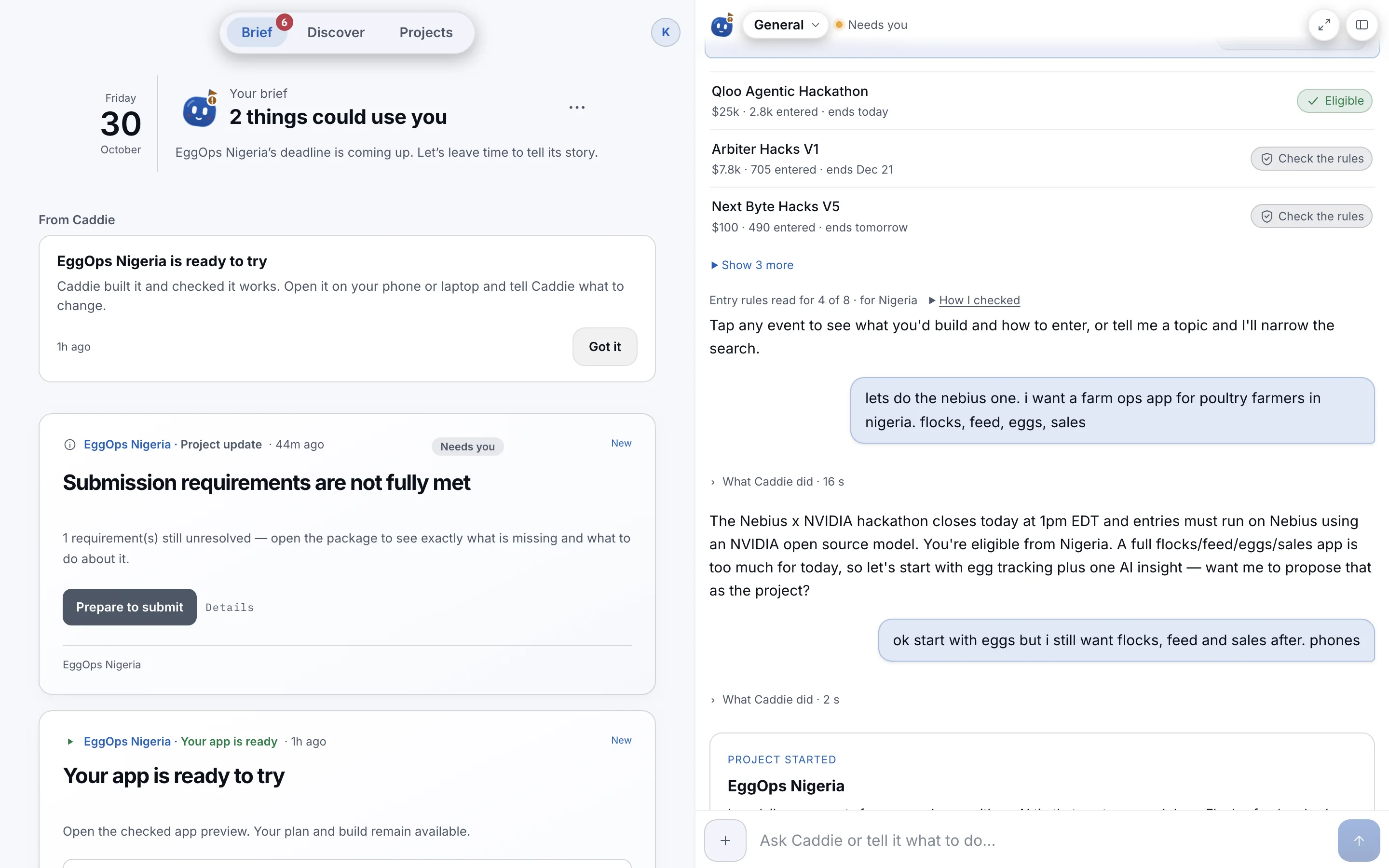
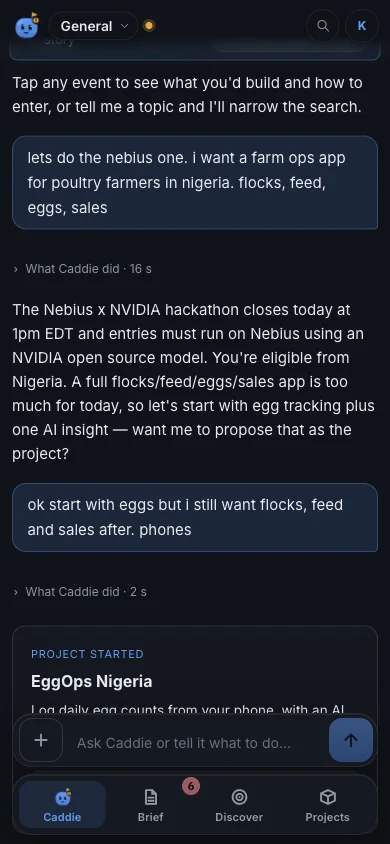
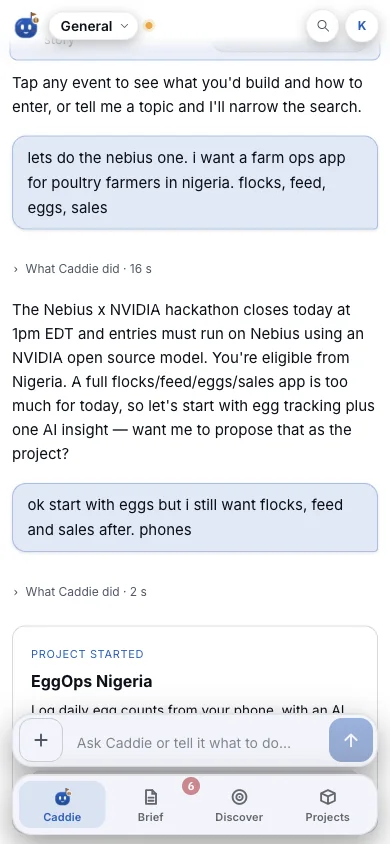
How it works
From an idea to an app you can share, in four steps.
You make the decisions. Caddie does the building, the testing and the fixing.
-
Step 01
Tell Caddie your idea
Type it the way you would explain it to a friend. Caddie asks a few questions, then writes a plan in plain words.
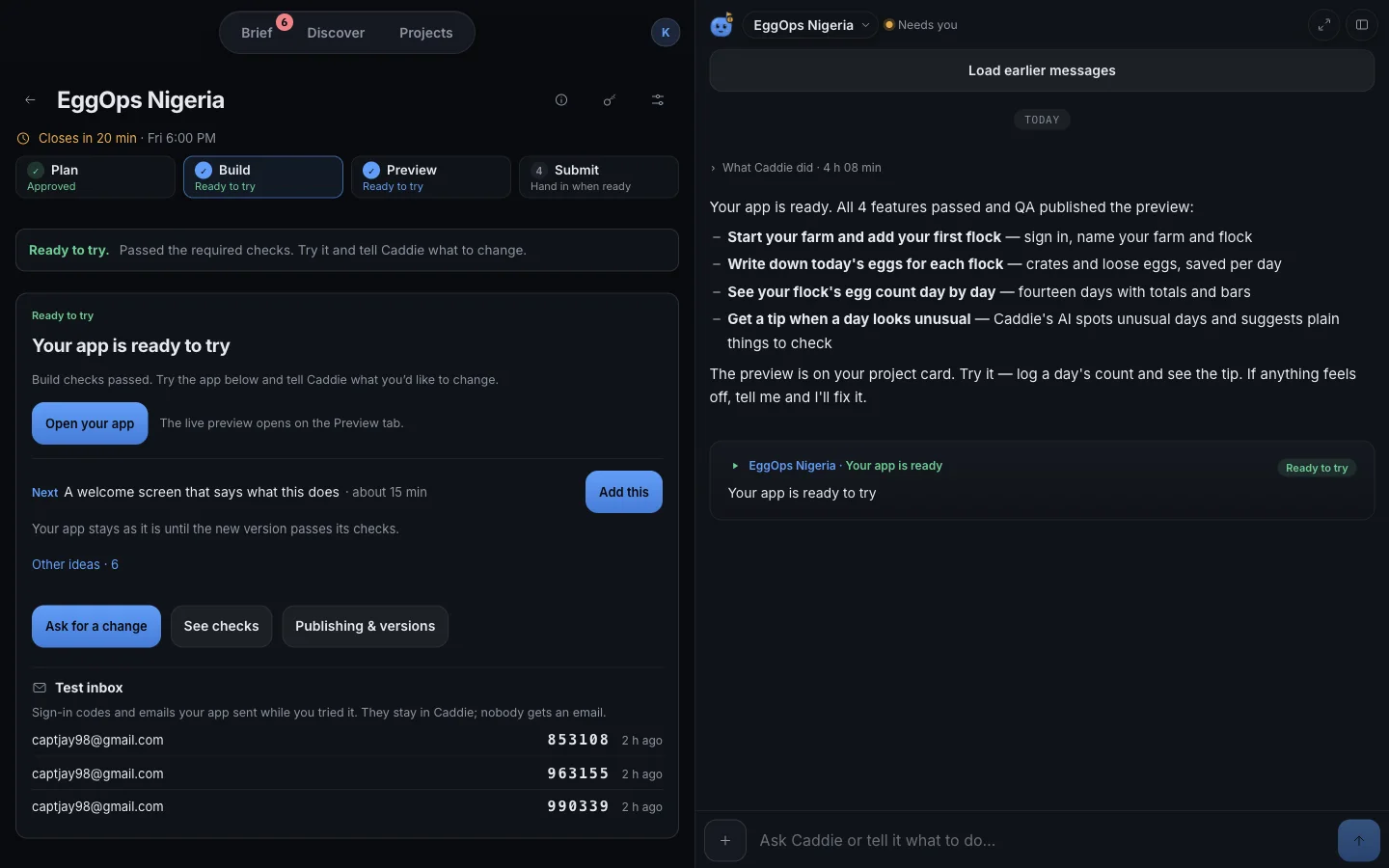
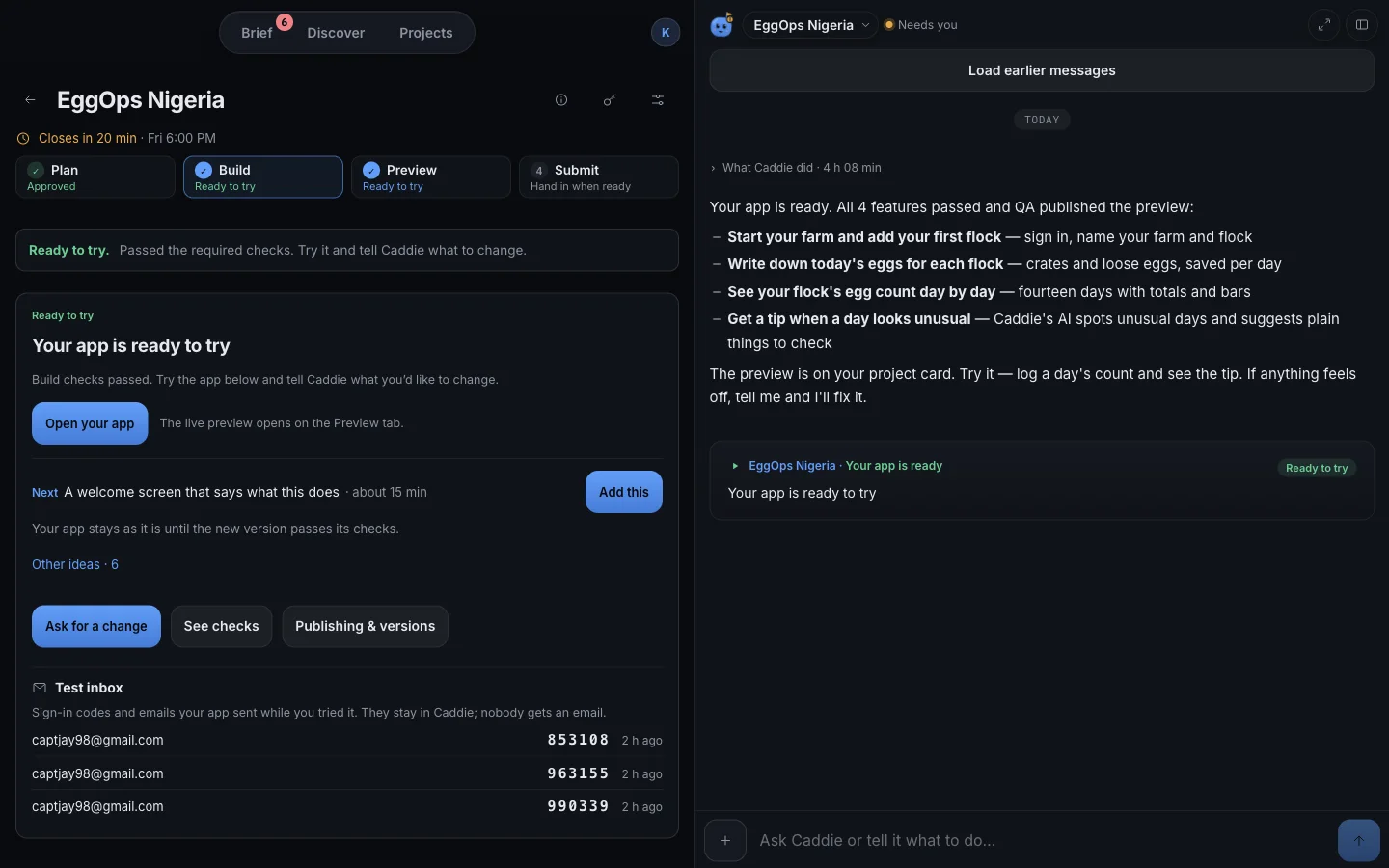
-
Step 02
Approve the plan, then the look
Caddie writes the plan first, then draws your screens from it. Change what you don’t like. Nothing is built until you say yes.
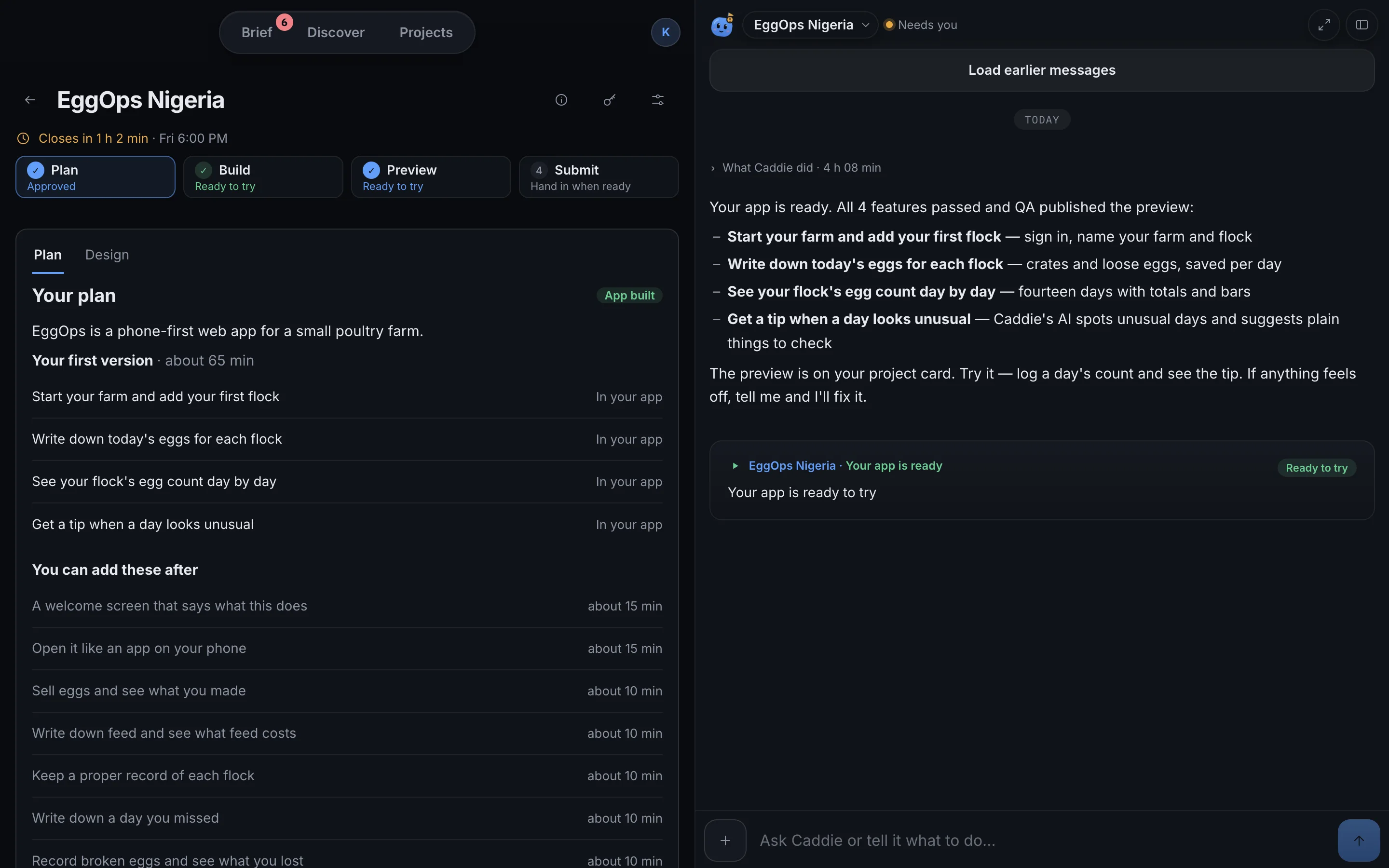
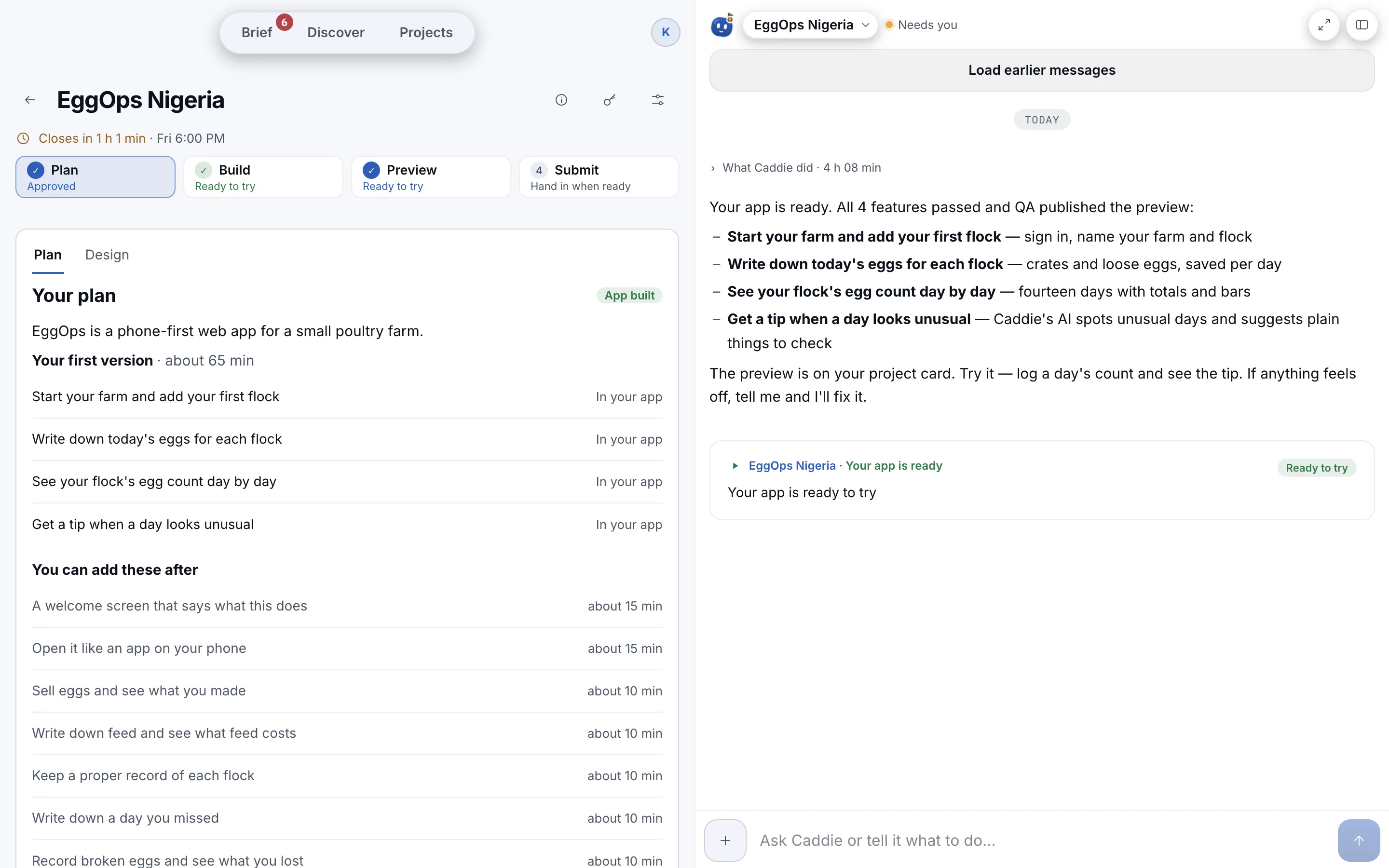
-
Step 03
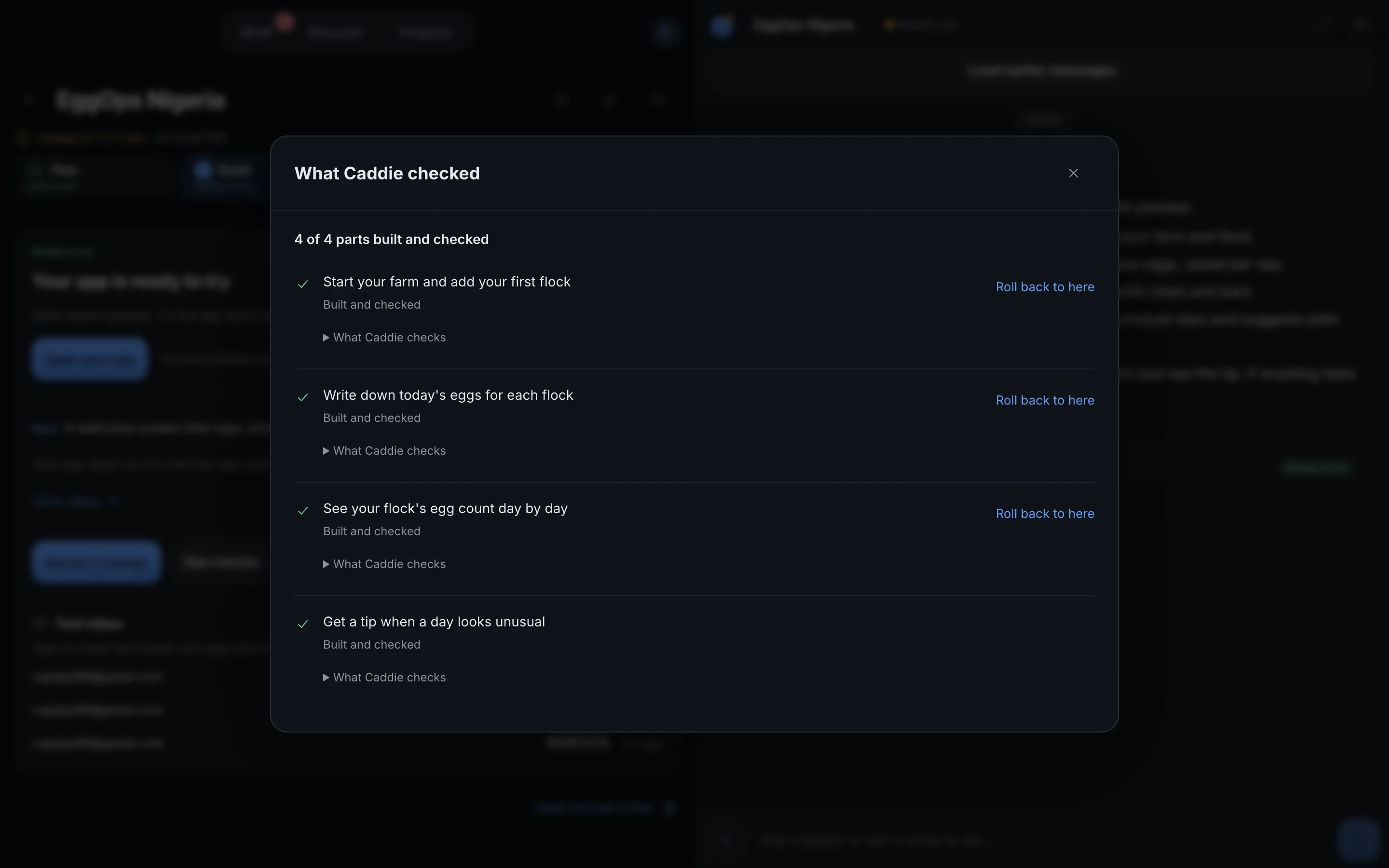
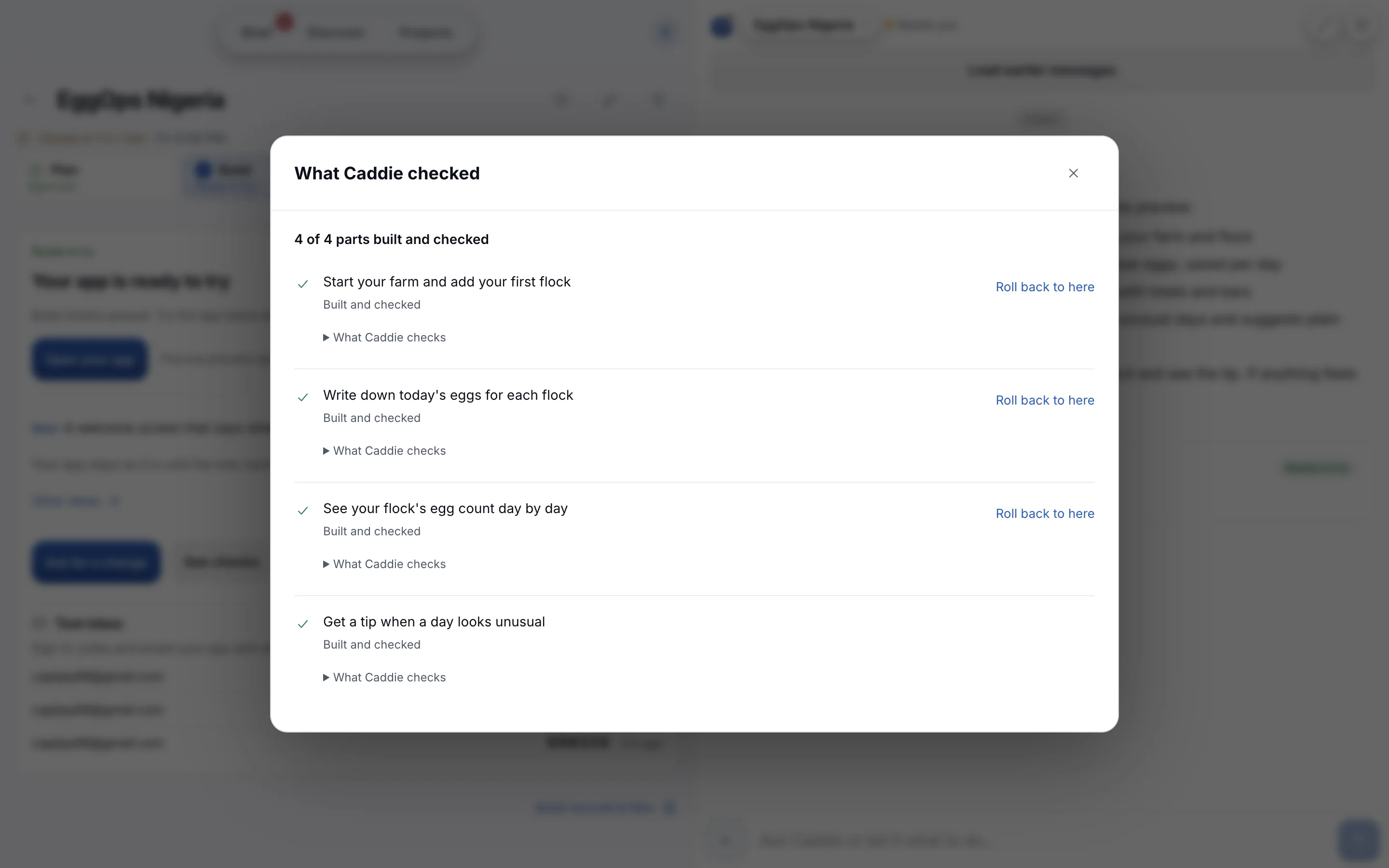
Caddie builds it, one feature at a time
Each feature is written, then tested. If a test fails, Caddie fixes it. You are never asked to read or repair code.
-
Step 04
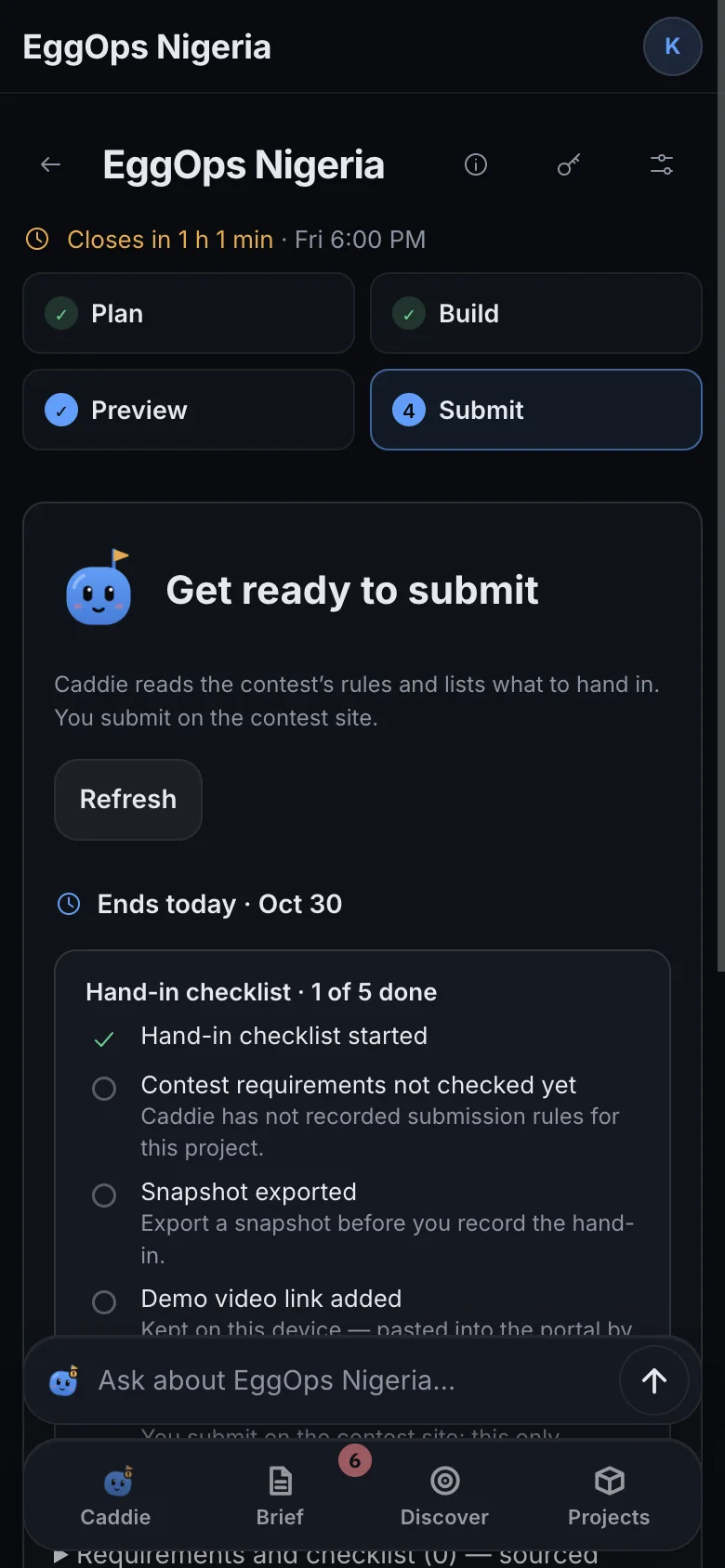
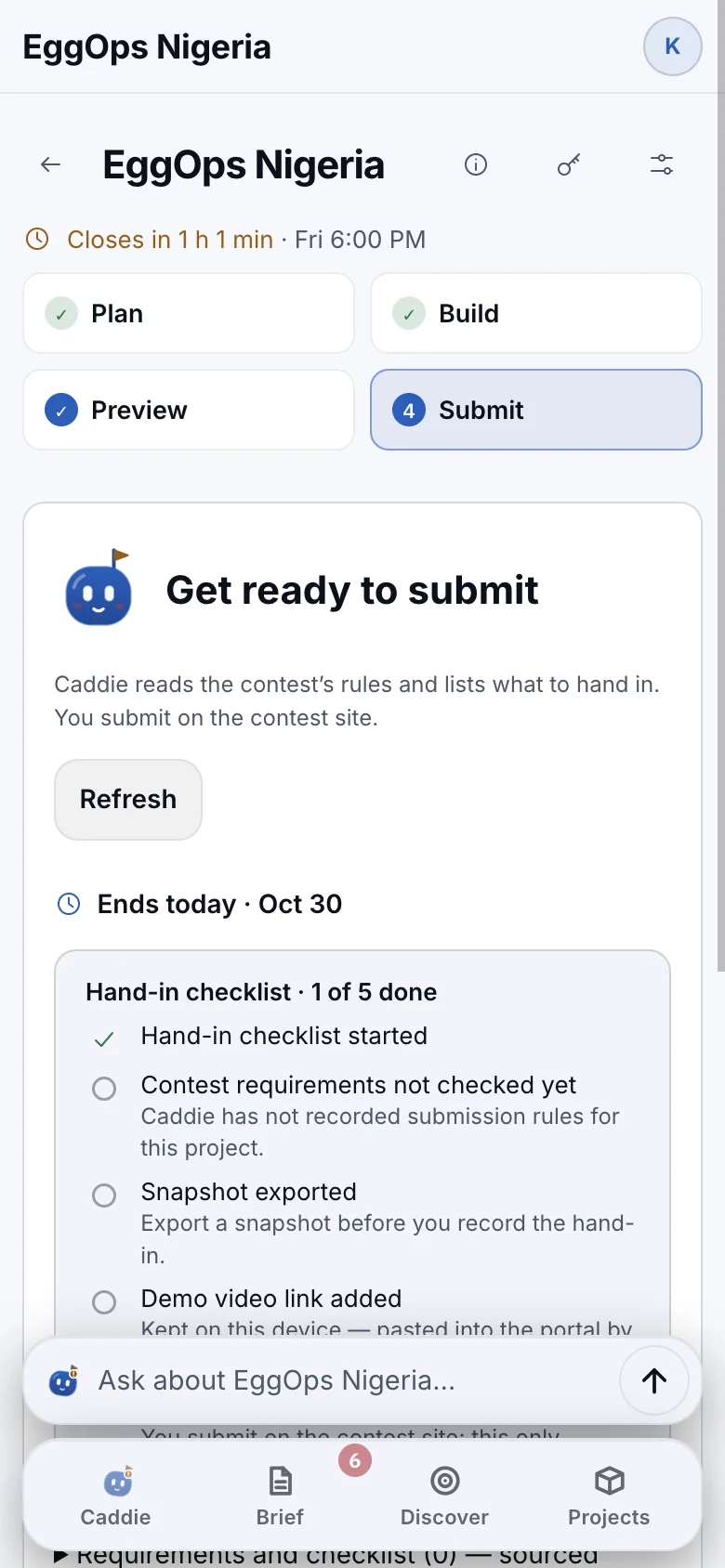
Try it and share it
Open a live preview on your phone or laptop. Publish it with sign-in, a database and AI already set up, or get an Android app.
No code, no guesswork
Built for people who have never written code.
Most AI app builders leave you alone when something breaks. Caddie is built to carry that part.
-
You never have to fix code
Caddie runs the app’s own tests and repairs what fails. That is its job, not yours.
-
It only says “ready” when it is
“Ready to try” appears only when there is a working preview you can open.
-
If it gets stuck, it tells you plainly
What is saved, what is not done yet, and what happens next. Your work is never thrown away.
-
Nothing happens without your OK
The plan, the design and publishing all wait for you to approve them.
Start with a hackathon
A deadline, a theme and a prize. The best way to build your first app.
Caddie finds open hackathons that fit you, reads the rules so you don't miss a requirement, and keeps your plan inside them.
- Finds hackathons that are open right now
- Reads the fine print: who can enter, the deadline, what you must use, with the source quoted
- Plans your app to meet the rules
- Keeps the deadline in front of you
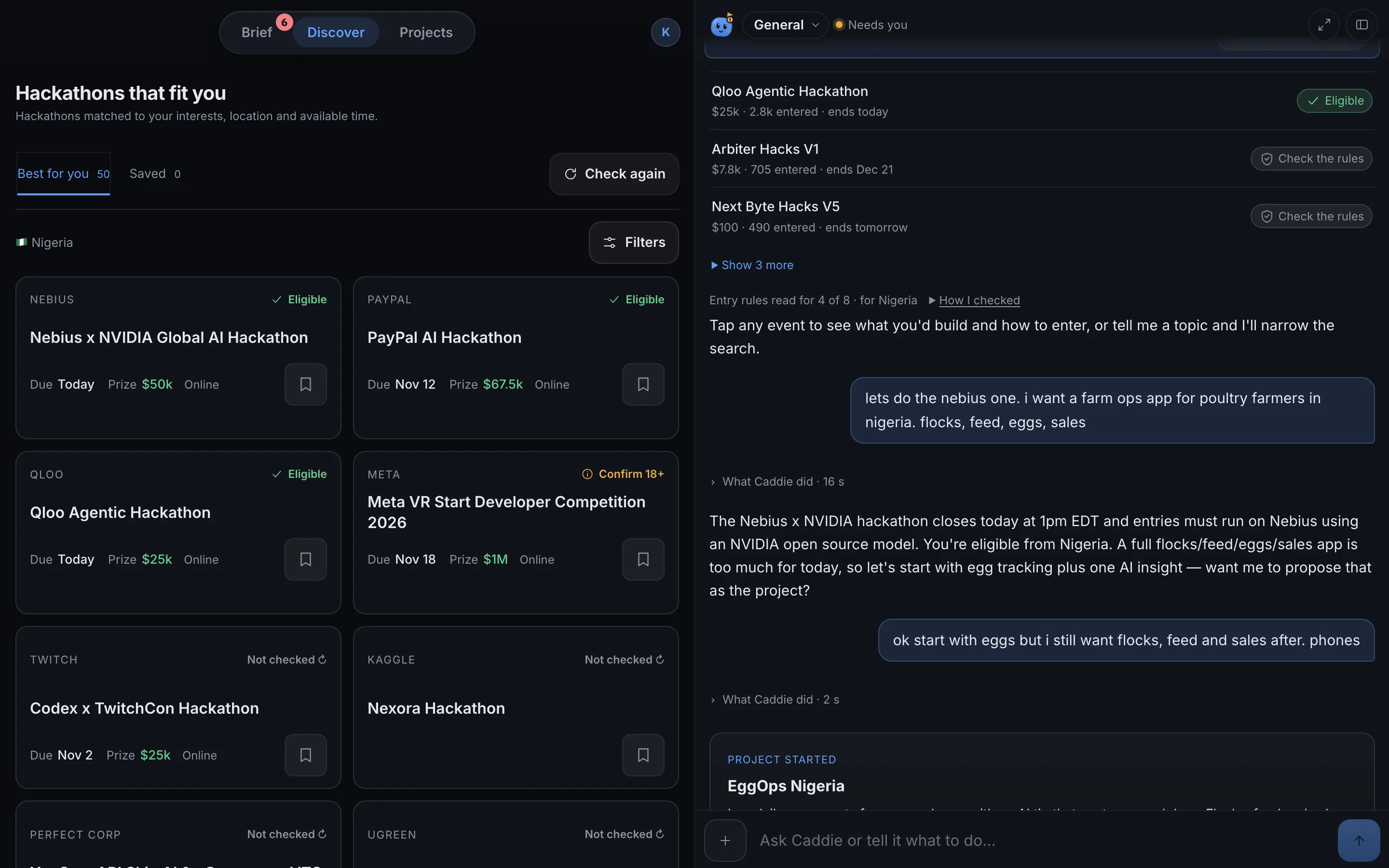
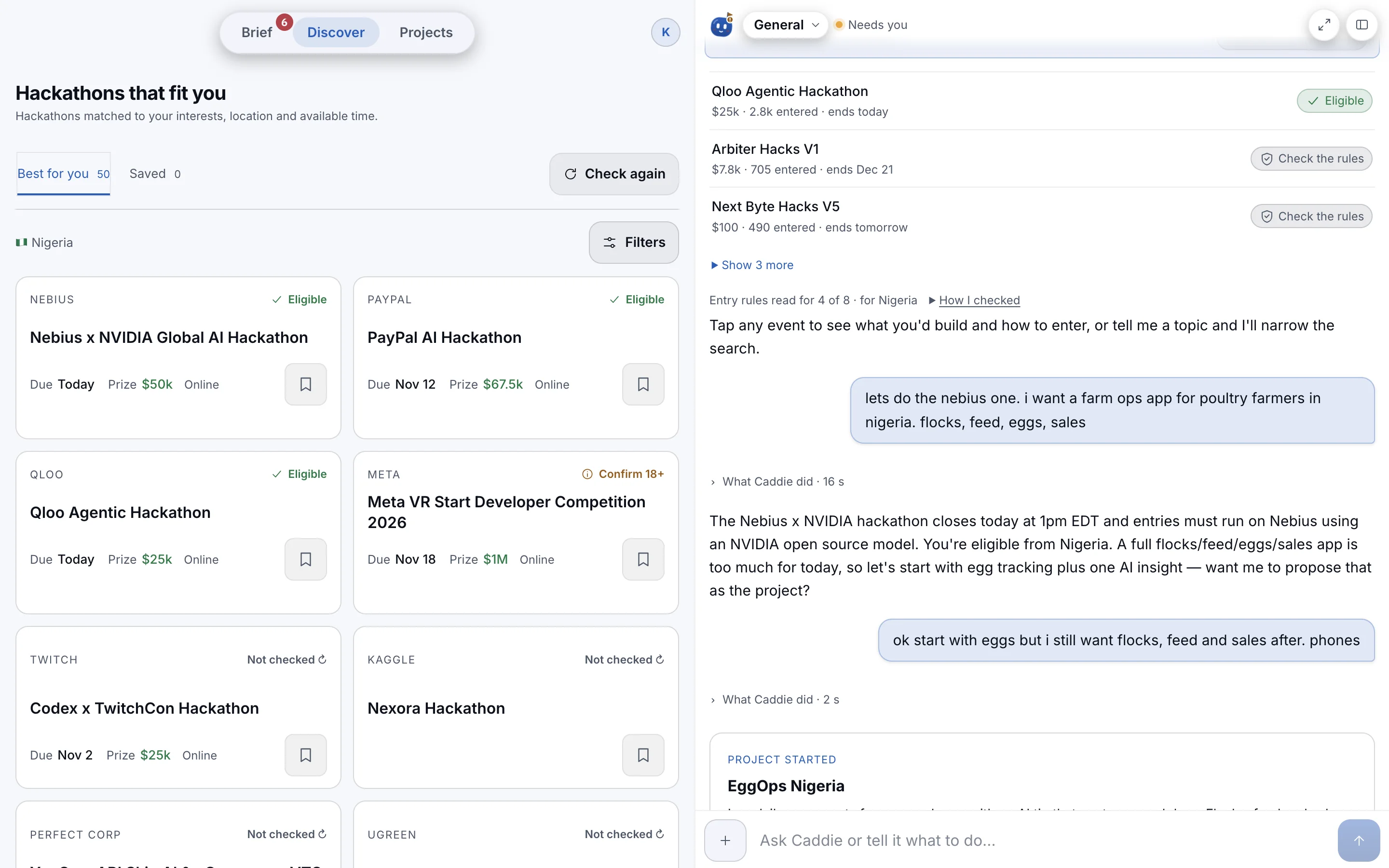
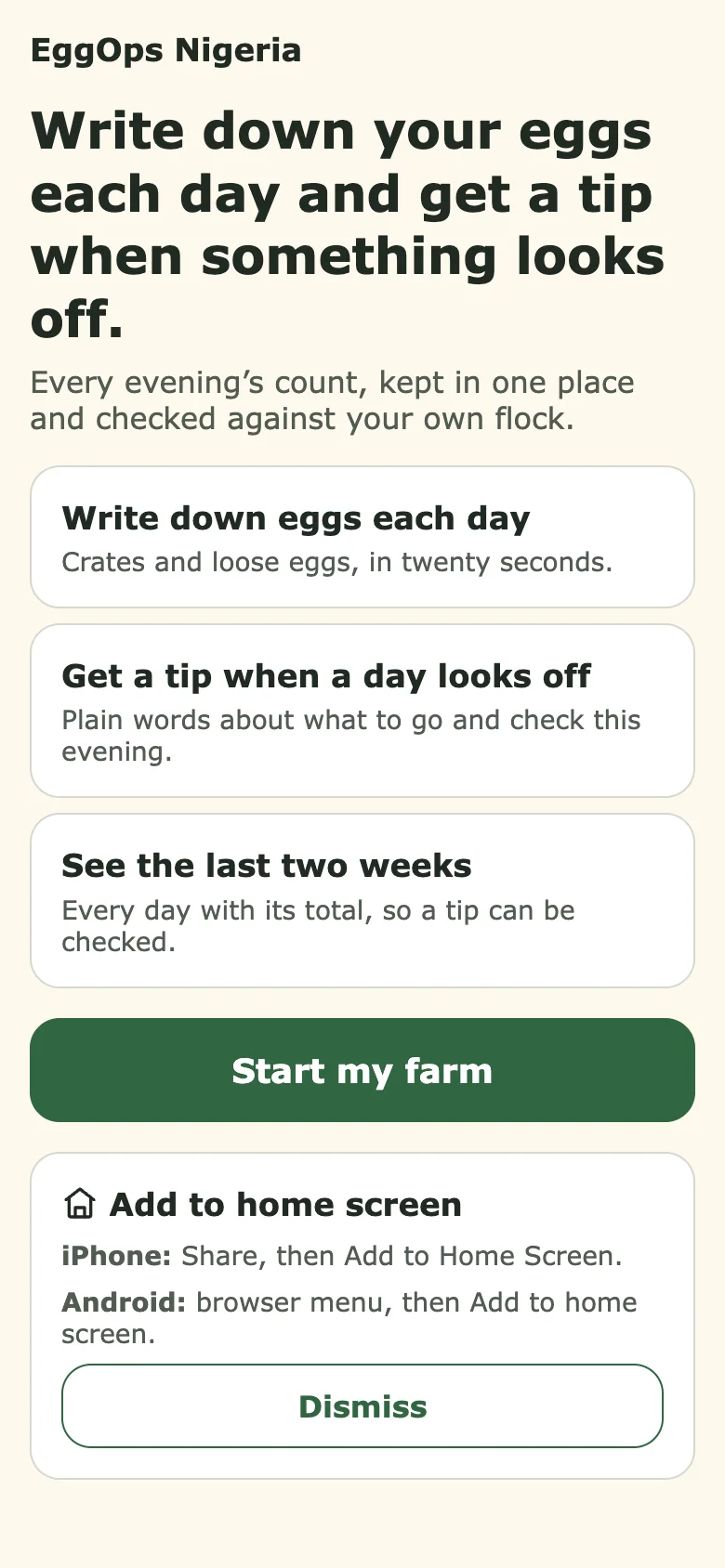
Built with Caddie
A real app, built from a paragraph.
Under the hood
NVIDIA Nemotron on Nebius Token Factory, end to end.
For the technically curious. None of this is something you have to set up.
-
Nemotron models, matched to the job
Nemotron 3.5 Super VL writes and tests the code and reads images. Nemotron 3 Ultra helps shape ideas. Nemotron 3 Nano reads contest rules. GLM-5.3-Flash drafts plans. All through Nebius Token Factory.
-
Built and tested in Token Factory Sandboxes
Generated code never runs on your computer. Each feature is built in an isolated sandbox and only counts as done when its tests pass there.
-
Checked by Caddie, not by the AI's word
"Done" is decided by real checks — tests, a working preview, a design comparison — never by the model saying it finished.
-
AI built into every app
The apps Caddie builds can call Nemotron (3.5 Lightning, or Super VL for heavier work) with no API key to set up.
-
Live hackathon search with Tavily
Tavily search and page extraction find open hackathons and read their rules pages.
For judges
One judge account, ready to use.
On the sign-in page choose “Judging the hackathon? Sign in here” and enter the judge name and password from the Devpost testing instructions. The project from the demo video is in Projects: ask Caddie to carry it on, or start your own app.
What you can do
- Open the demo app and try it
- Start a new app of your own from an idea
- Search live hackathons
- The account is shared by all judges and can't publish apps
Your idea is enough.
Start with a hackathon, or with the thing you have always wanted to make. Caddie carries the build.
Caddie is invite-only during the hackathon. Request an invite